ULTIMATE Template for Logic Pro

$80.00

Having all of your sounds ready to go is like a chef preparing their ingredients before service: when it’s time to cook, you can focus on creativity, not setup.

That’s exactly what this ULTIMATE Template for Logic Pro gives you. I’ve been developing it for years in my own professional workflow, and now it’s ready for you. With a clean, logical structure and powerful built-in features, this template makes it fast and easy to:

  • Compose confidently for film, TV, video games, podcasts, or music libraries

  • Mix at a professional level without wasting time setting up routings and stems

  • Deliver music quickly so you can focus on ideas instead of tech headaches

This is the same template I use to write music for clients — efficient, flexible, and actually fun to use.

When you purchase, you’ll receive:

  • A 15-page User Guide with a full walkthrough of every feature, plus workflow tips to get the most out of the template.

  • Three versions of the template so you can jump in at the level that works best for you:

1. My Personal Template

The exact setup I use every day, fully loaded. If you own the same sample libraries I do, you can use this version right away (and customize from there).

2. BBC Symphony Orchestra Pro Version

Built around Spitfire Audio’s BBCSO Pro. Choir and non-orchestral stacks are left empty but pre-routed, so you can easily add your own sounds.

3. Empty Framework Version

The skeleton of the ULTIMATE Template with all the routing, submixes, and stems ready to go — just drop in your own libraries, save, and you’re off.

Why It Matters

Setting up a template from scratch can take hours (or days). This one is battle-tested, organized, and ready for professional use, saving you huge amounts of time so you can do what matters most: make music that moves people.

Having all of your sounds ready to go is like a chef preparing their ingredients before service: when it’s time to cook, you can focus on creativity, not setup.

That’s exactly what this ULTIMATE Template for Logic Pro gives you. I’ve been developing it for years in my own professional workflow, and now it’s ready for you. With a clean, logical structure and powerful built-in features, this template makes it fast and easy to:

  • Compose confidently for film, TV, video games, podcasts, or music libraries

  • Mix at a professional level without wasting time setting up routings and stems

  • Deliver music quickly so you can focus on ideas instead of tech headaches

This is the same template I use to write music for clients — efficient, flexible, and actually fun to use.

When you purchase, you’ll receive:

  • A 15-page User Guide with a full walkthrough of every feature, plus workflow tips to get the most out of the template.

  • Three versions of the template so you can jump in at the level that works best for you:

1. My Personal Template

The exact setup I use every day, fully loaded. If you own the same sample libraries I do, you can use this version right away (and customize from there).

2. BBC Symphony Orchestra Pro Version

Built around Spitfire Audio’s BBCSO Pro. Choir and non-orchestral stacks are left empty but pre-routed, so you can easily add your own sounds.

3. Empty Framework Version

The skeleton of the ULTIMATE Template with all the routing, submixes, and stems ready to go — just drop in your own libraries, save, and you’re off.

Why It Matters

Setting up a template from scratch can take hours (or days). This one is battle-tested, organized, and ready for professional use, saving you huge amounts of time so you can do what matters most: make music that moves people.

SENSIBLE LAYOUT AND SETUP

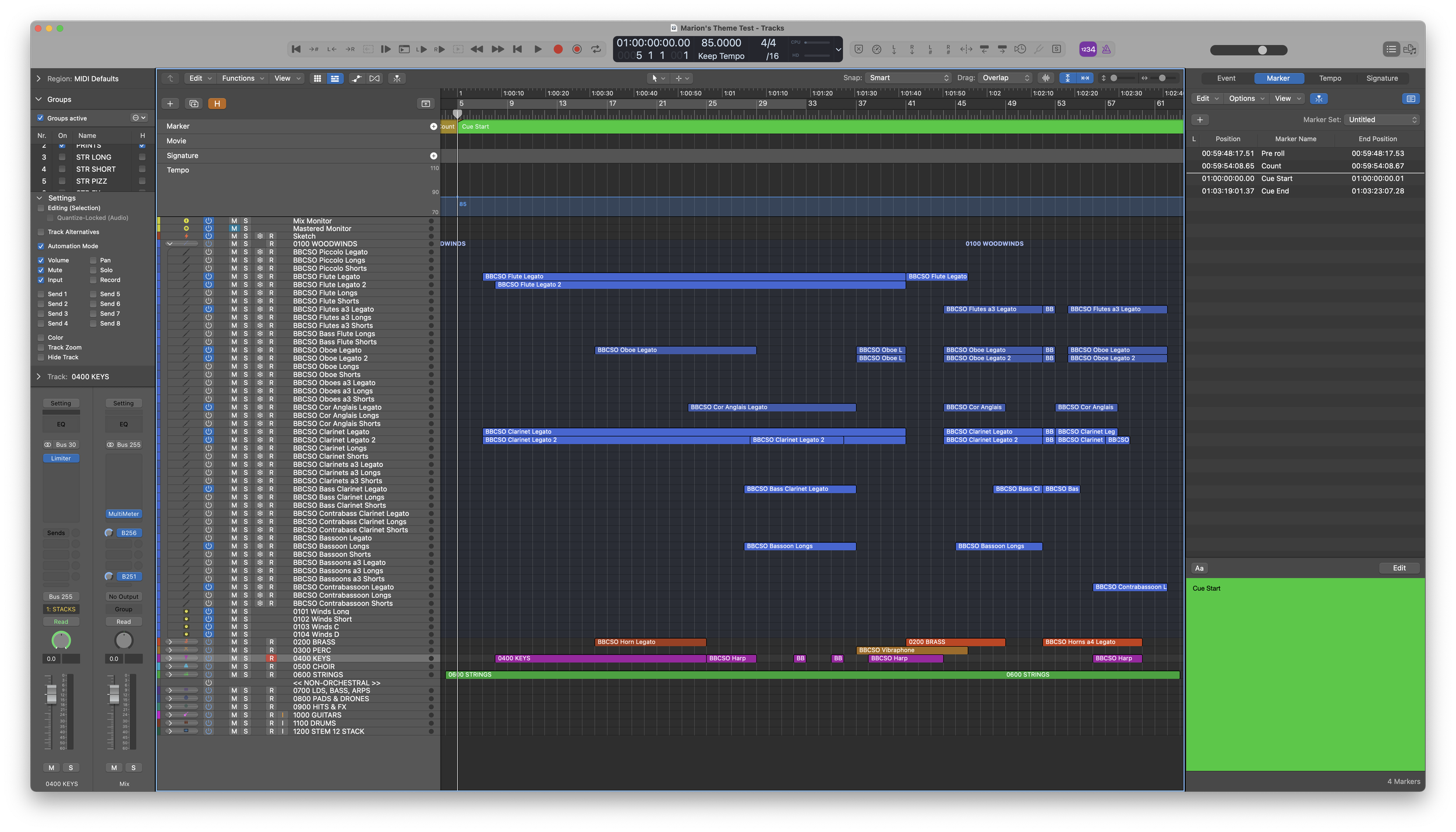
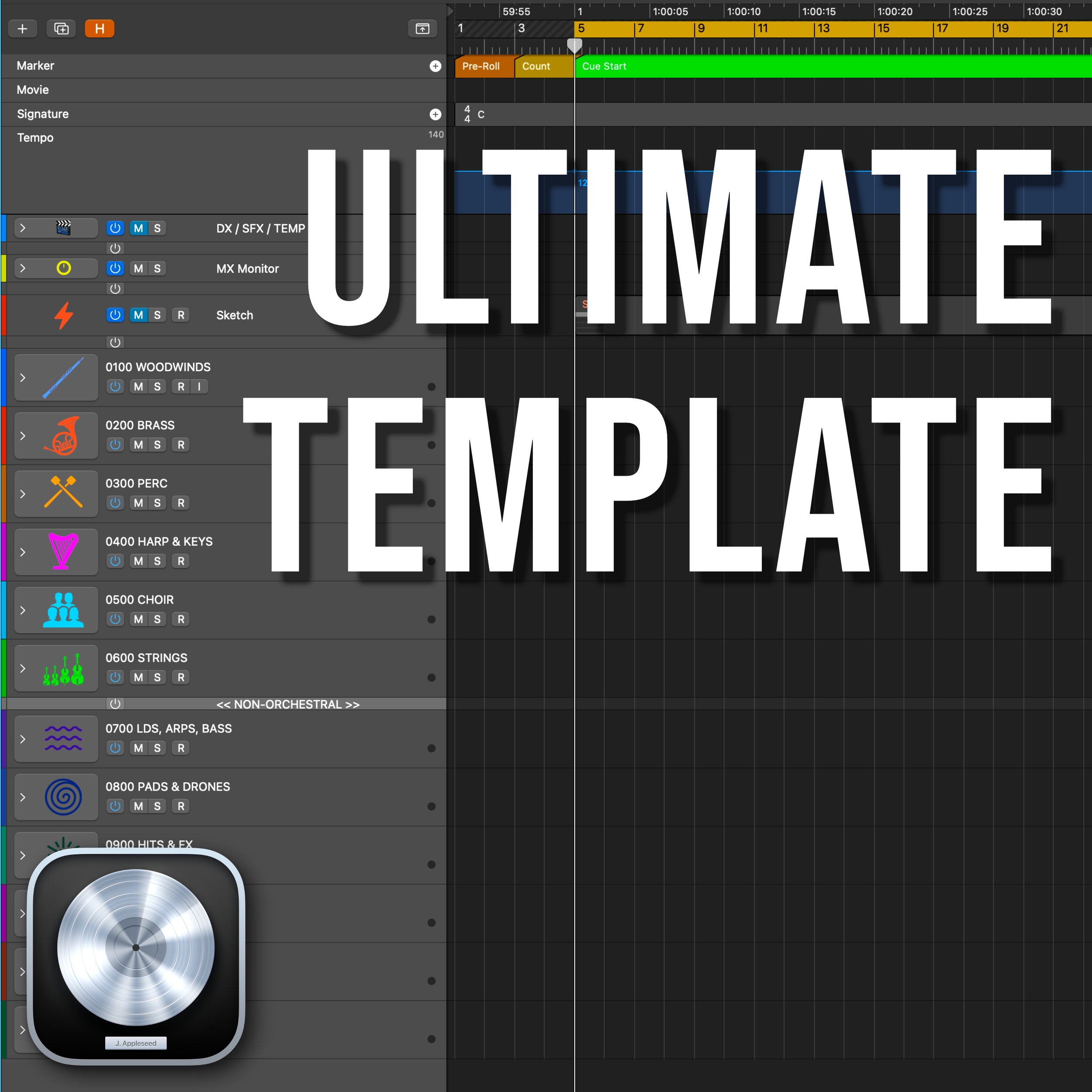
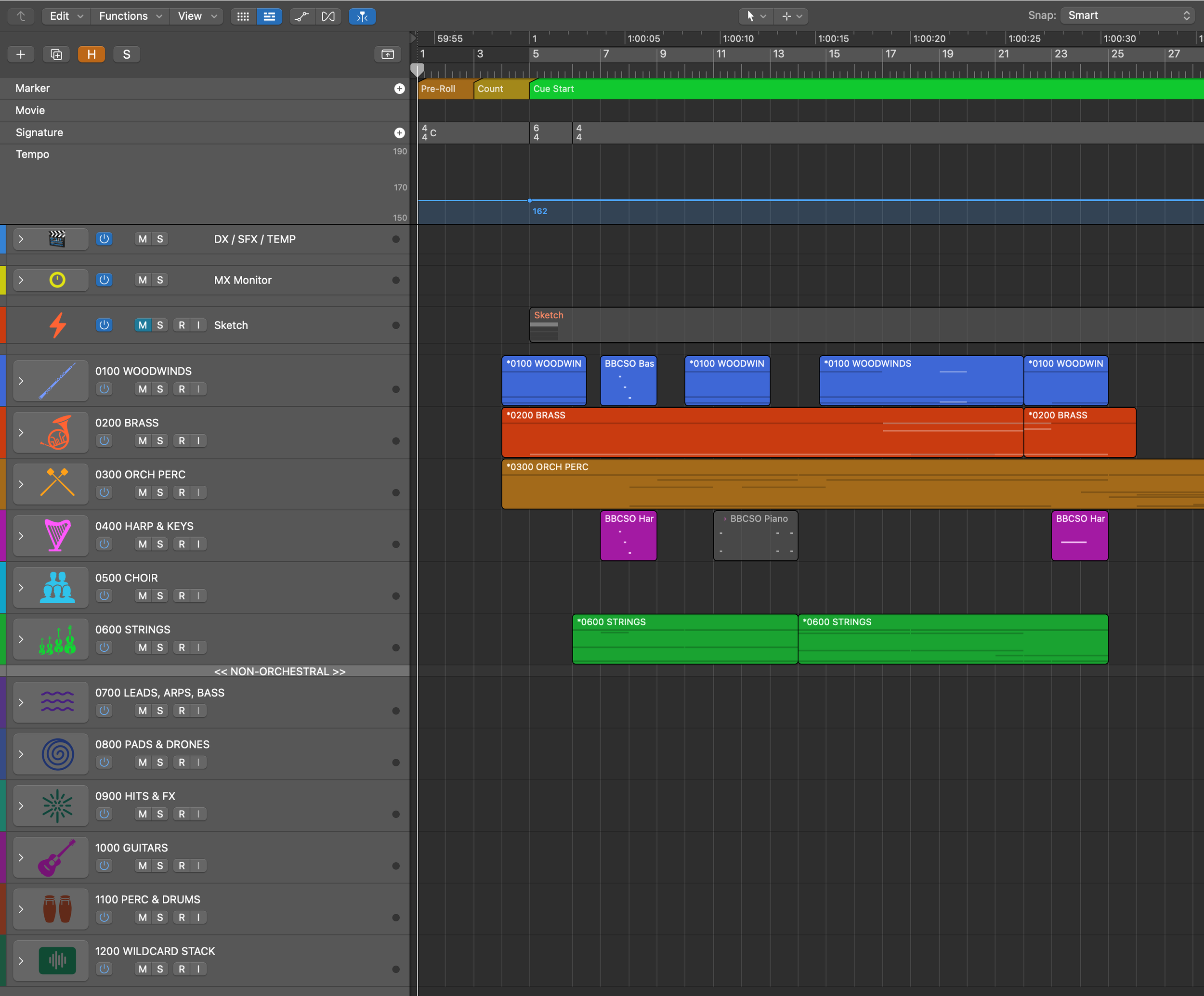
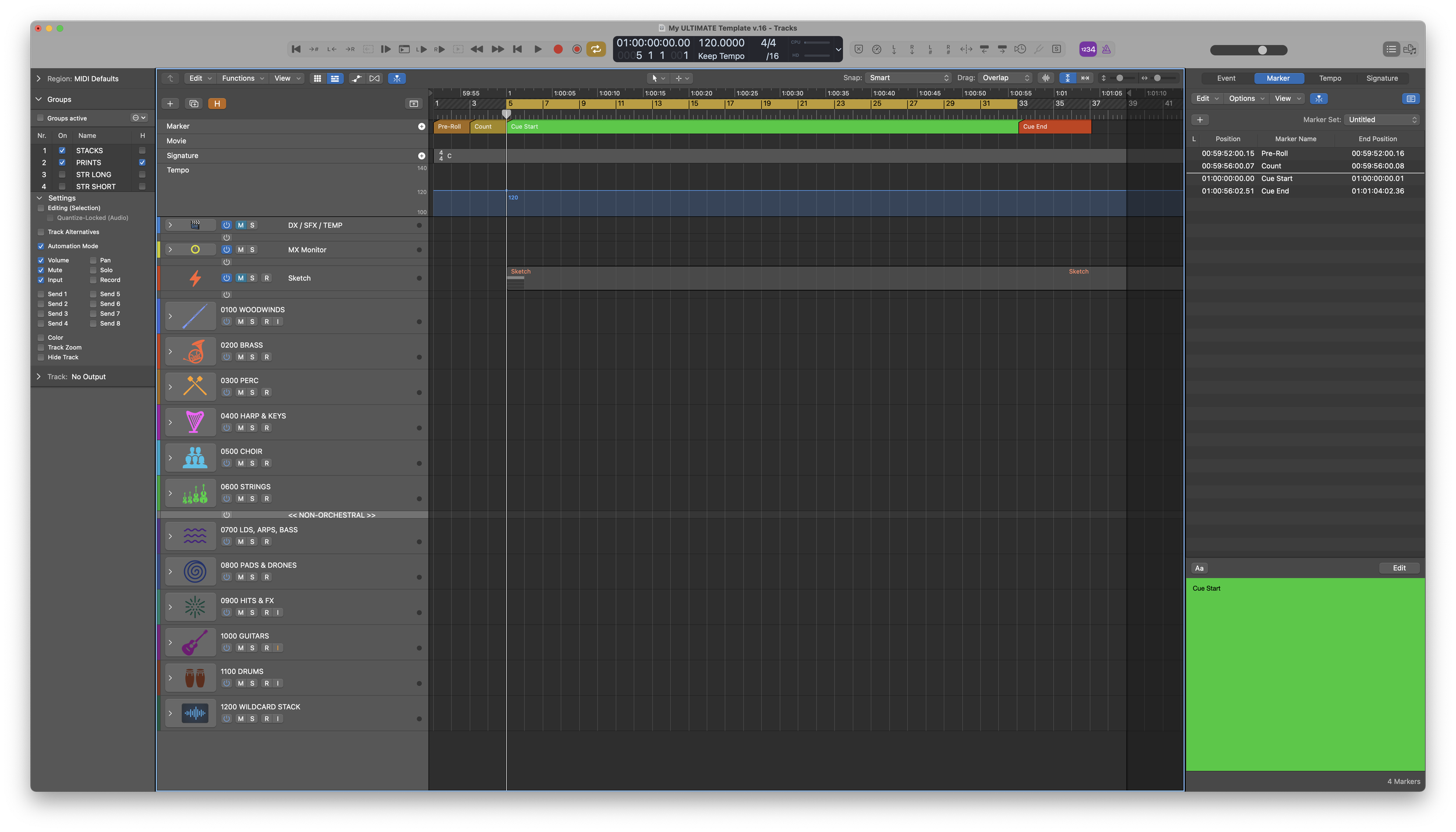
This template is laid out in score-order, with orchestral instruments at the top and non-orchestral or prelays at the bottom. There are 12 stems in total, with 4 sub-mixes in each one. You can add new instruments with ease where you can duplicate open tracks that are already routed to their proper place.
5 SCREENSETS TO BOOST YOUR WORKFLOW

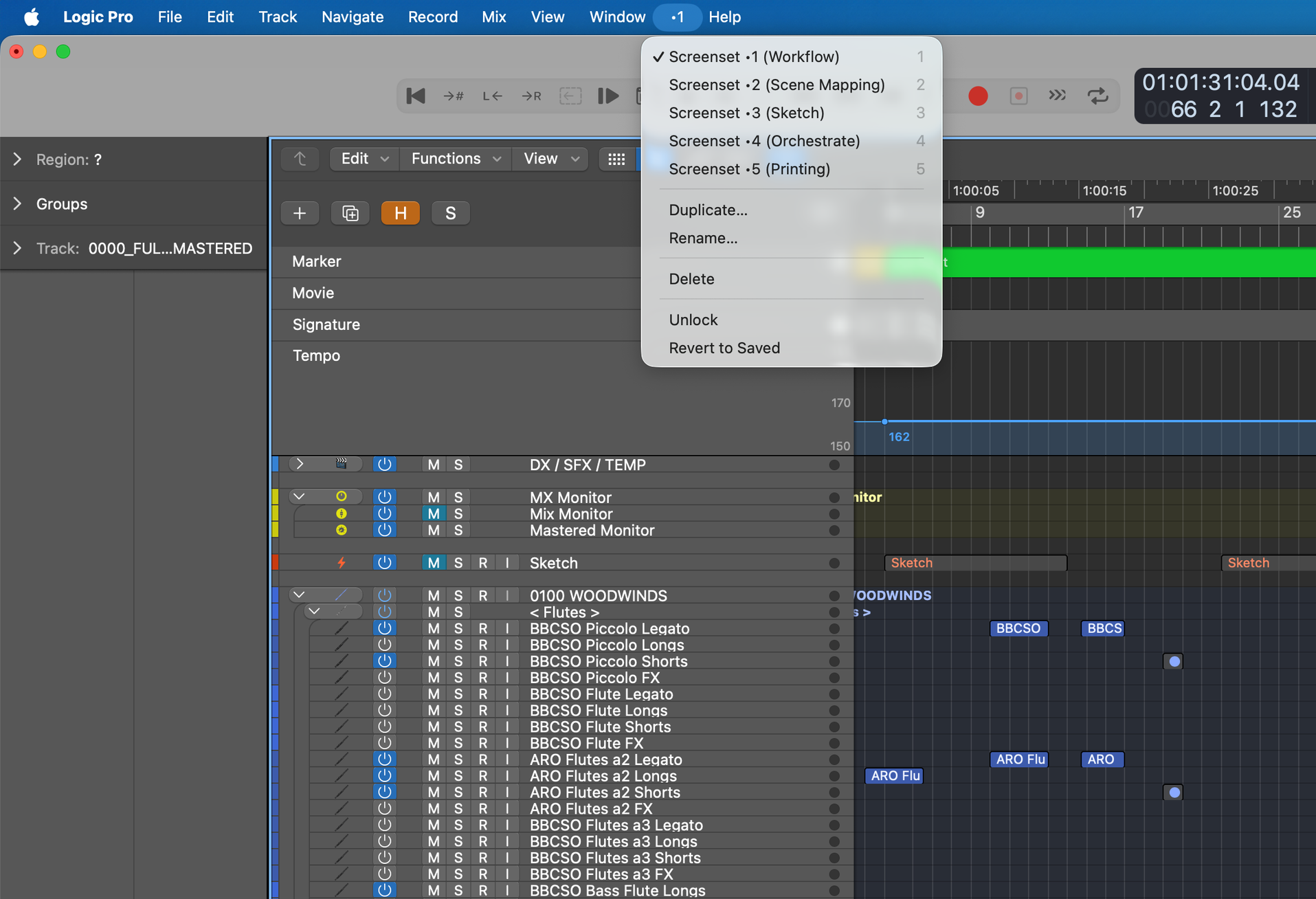
There are five screen sets in total to help facilitate a quick and efficient process:

1 - Workflow

2 - Scene Mapping

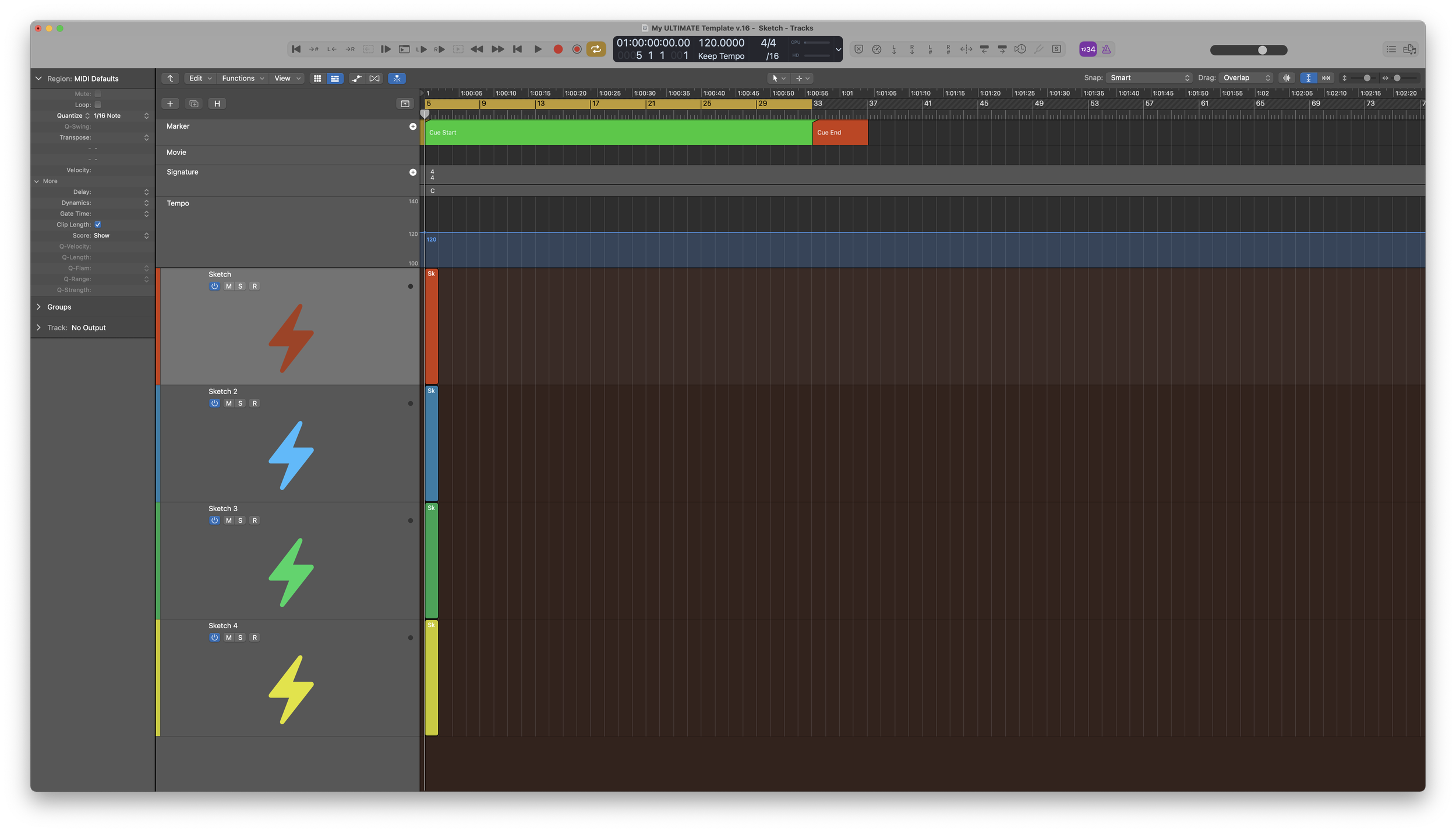
3 - Sketch

4 - Orchestrate

5 - Printing
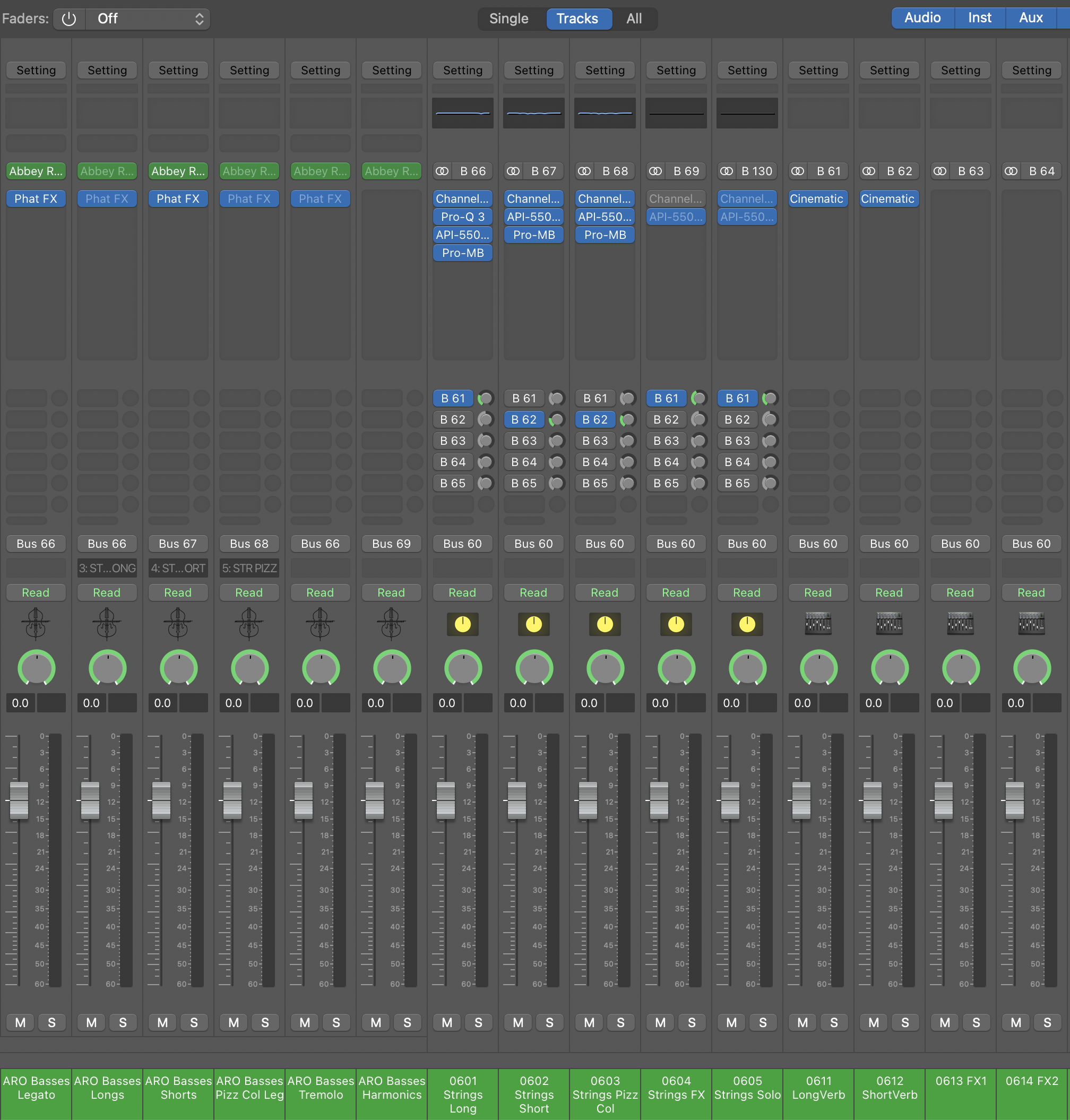
PRE-ROUTED FX SENDS AND MIXING WORKFLOW

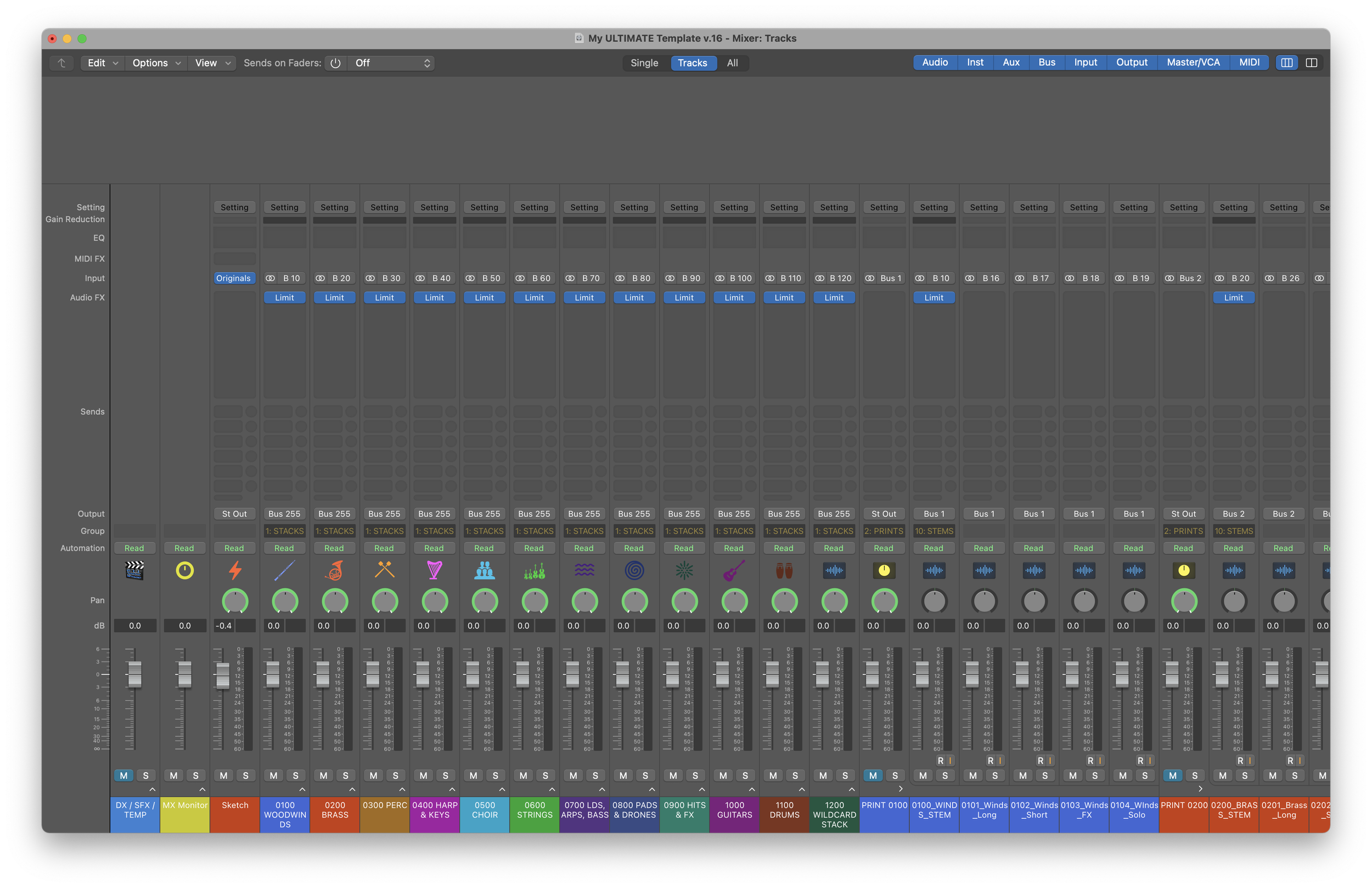
All of the instruments are routed to sub-mixes, which you can send to Reverb and FX sends, which then run into a stem. You can apply EQs, reverbs, and effects with ease to ensure you have a great sounding template ready to go every single time with your own signature sound.
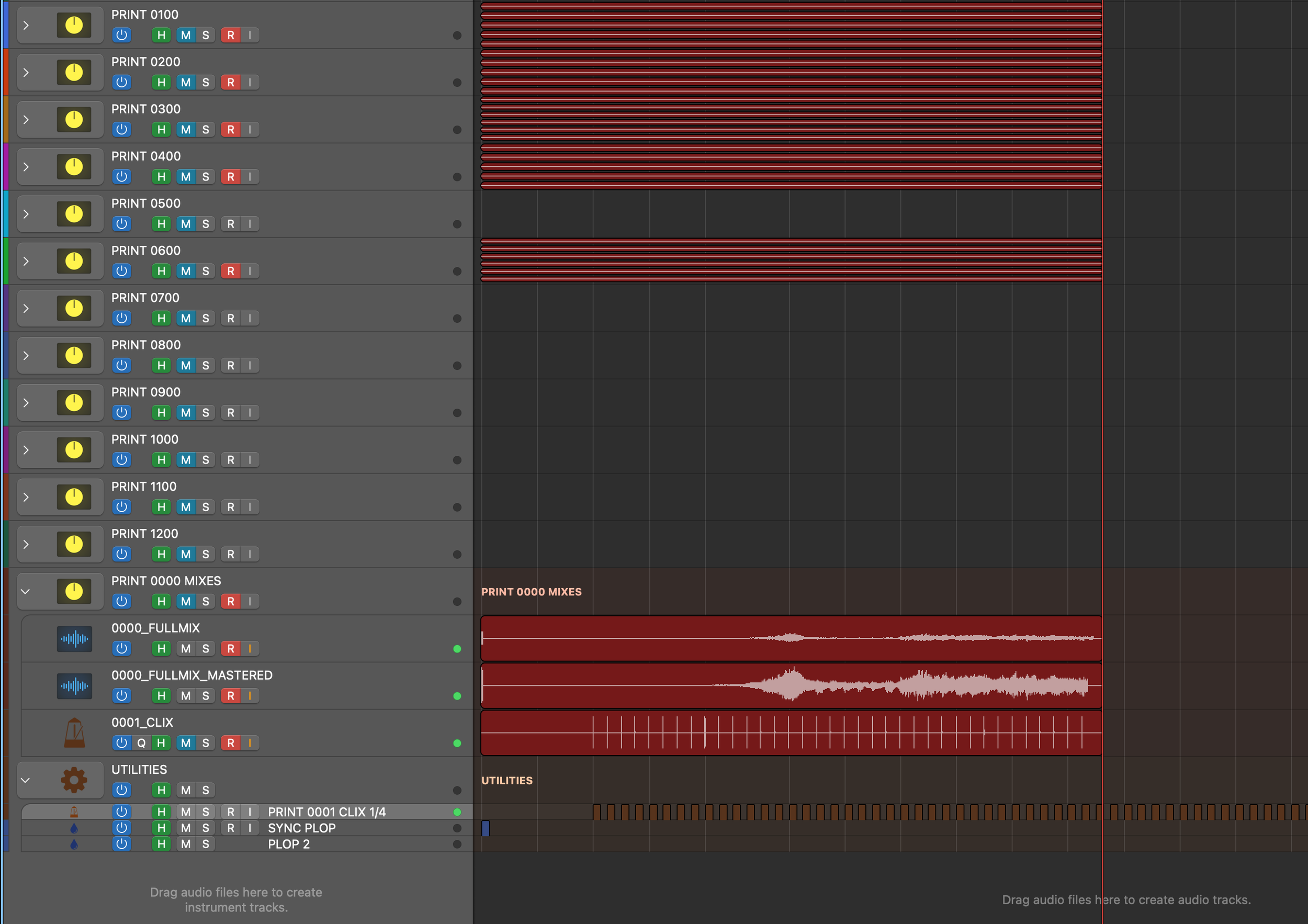
DELIVER BROADCAST-QUALITY PRINTS

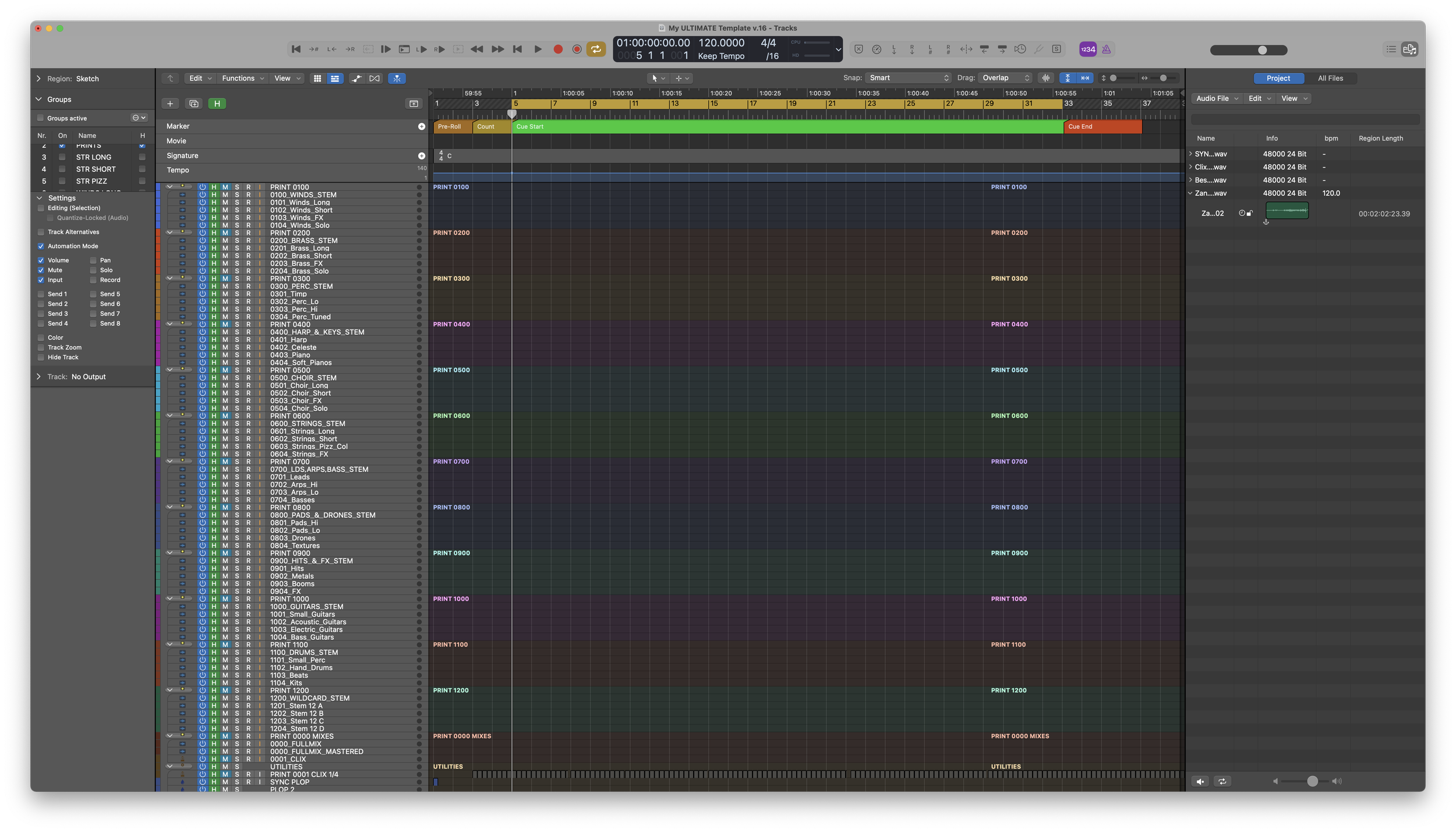
When you’re done writing your music you can print all of your stems, sub-mixes, full mix, mastered mix, and the click all in one go so you’re ready to deliver broadcast-quality music at a moments notice.


Want to learn more? Check out my ULTIMATE Template playlist over on YouTube to see how I use it, including a full tour over the entire template.